01
Hours wasted searching for images
No more scrolling through endless stock libraries hoping to find something close enough for your message.

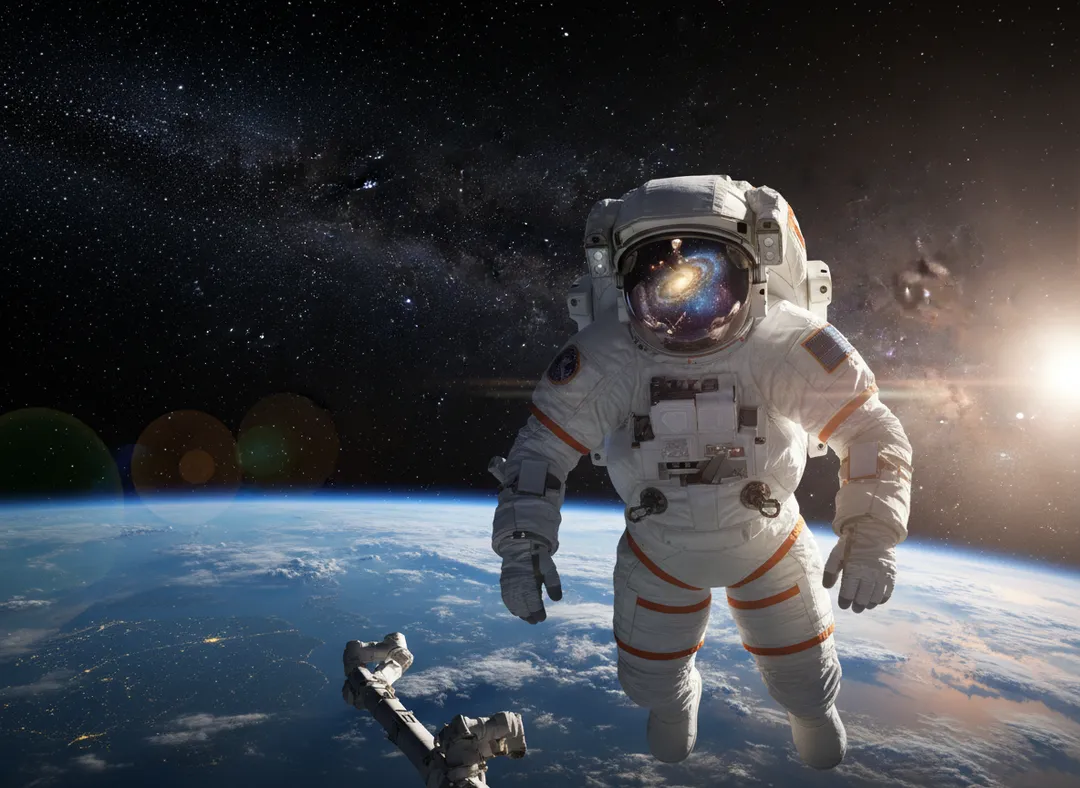

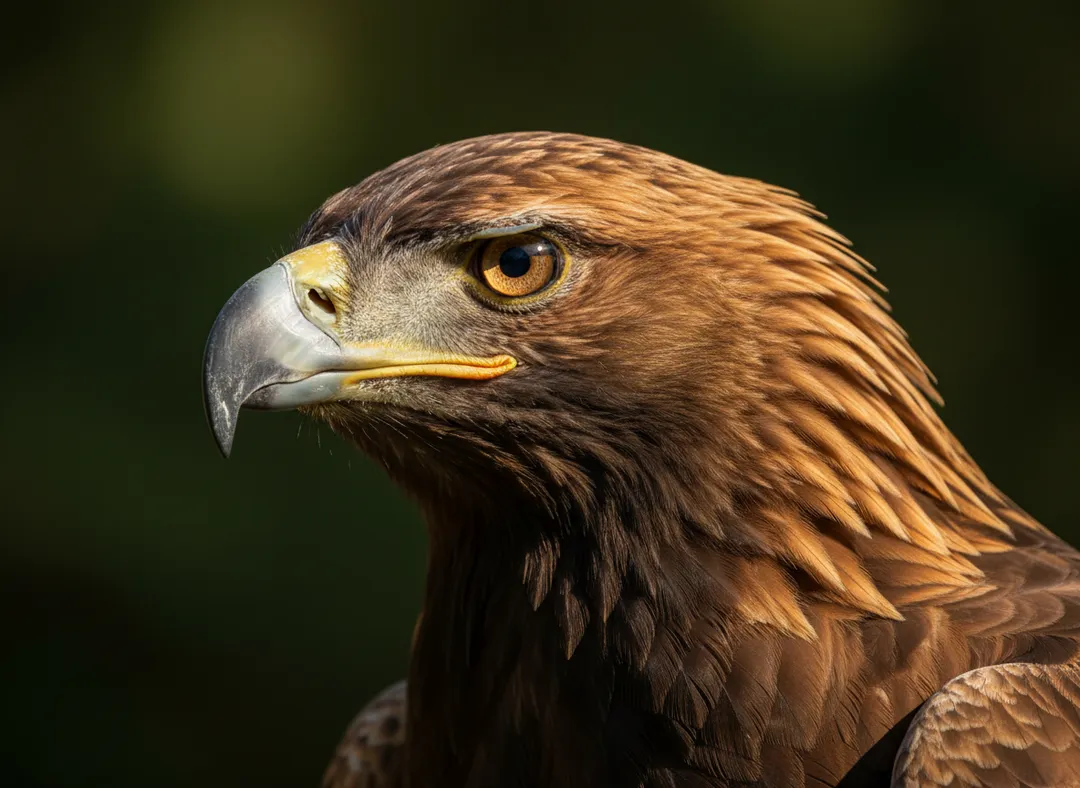

Stop searching for stock images. Generate photorealistic visuals in seconds.
SPOT.AI.IMAGES solves the most common visual problems professionals face when building slides under pressure.

No more scrolling through endless stock libraries hoping to find something close enough for your message.
Avoid paying for one-off visuals or worrying about usage restrictions across decks, clients, and campaigns.
Stand out with custom imagery instead of repeating the same clichés your audience has already seen everywhere.
When presentation deadlines are close, you need visuals immediately, not another production bottleneck.
Images so realistic your audience thinks you hired a photographer.
No switching between programs or downloading files.
Simply describe what you want and get the perfect image.
Type, click generate, insert, done.

Install SPOT.AI.IMAGES from Microsoft AppSource with one click.
Open the panel in PowerPoint through the Add-ins tab.
Describe your image in simple words: "business meeting in modern office".
Get photorealistic results in seconds and insert into your slide.

Start free inside PowerPoint, upgrade when you need more monthly volume, or grab one-time image packs for occasional projects.
$0 / month
Perfect for trying SPOT.AI.IMAGES inside your current PowerPoint workflow.
$9.99 / month
Best for teams and professionals who create slides often and need more monthly output.
A simple option for one-off projects, workshops, or campaign bursts.
Best for quick edits, pitch updates, or a single deck refresh.
A flexible pack for training decks, marketing materials, and repeat requests.
Built for power users who need a large batch of visuals without a subscription.

Great add-in! Now you can create images right in PowerPoint in just a few clicks - everything runs smoothly and fast. The results are impressive and look professional. Highly recommend it to anyone who works with visuals.

Must-Have Add-on! I honestly didn't expect this add-in to make such a big difference, but it did. I work with PowerPoint every single day, and this tool quickly became part of my routine. Installation was super easy - just a few clicks and it was ready to go. Feels like a natural part of Office, not some third-party thing.

Worth it. Takes a hint, no need to optimize my prompt.
Yes! All generated images belong to you with full commercial rights. Use them in presentations, websites, marketing materials, or anywhere else without restrictions.
Most images are generated in 2-3 seconds. During peak times, it may take up to 20 seconds.
Not at all! Simply describe what you want in plain language. The more detailed your description, the better the result.
Simply download SPOT.AI.IMAGES from Microsoft AppSource with one click. It integrates directly into PowerPoint.
